shopify google merchant center errors

Feed errors need source-field clarity before another review request.

Merchant Center issues are rarely fixed by changing random product fields. The buyer needs to know which source controls the submitted value, what the product page shows, what checkout shows, and who owns the next edit.

Search intent Shopify and ecommerce sellers trying to understand Merchant Center product feed warnings before editing product data or requesting review.

This page is a practical guide, not a guarantee of leads, revenue, compliance, payment collection, or platform approval.

Practical guide

Use this workflow before choosing another tool.

Shopify and ecommerce sellers trying to understand Merchant Center product feed warnings before editing product data or requesting review. The useful move is to turn that search into a small operating decision: what gets captured, who reviews it, what copy is safe, and what should stop before it reaches a customer.

Merchant Center issues are rarely fixed by changing random product fields. The buyer needs to know which source controls the submitted value, what the product page shows, what checkout shows, and who owns the next edit. Treat the template below as a starting point for review, not as final external copy. The buyer still needs to adapt it to their business, product, policy, tools, consent rules, and support boundaries.

  1. 01Classify the issue: price, availability, identifier, image, landing page, shipping, tax, editorial, or unknown.
  2. 02Name the affected SKU, item ID, variant, and feed source.
  3. 03Compare the submitted feed value against the visible product page and checkout path.
  4. 04Write a short owner handoff note before changing fields or requesting review.
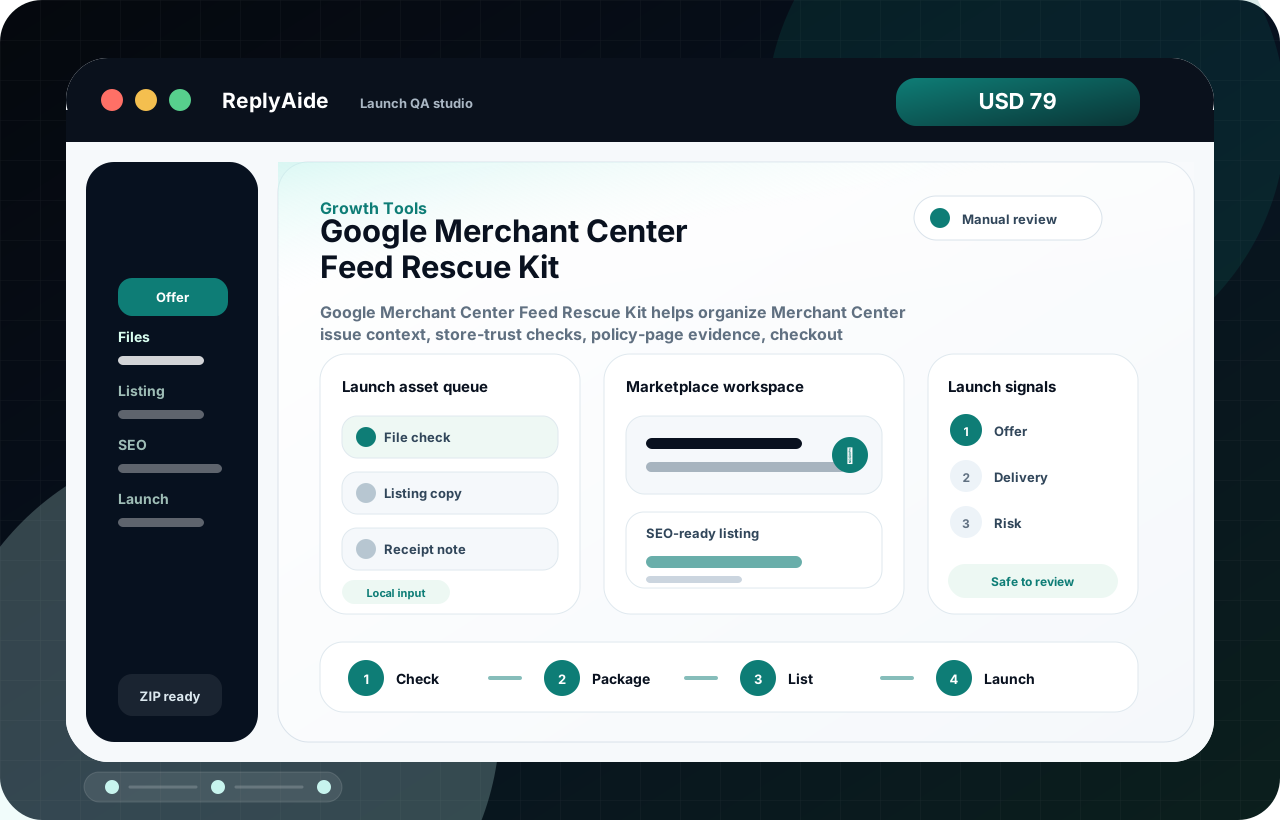
Merchant Center feed rescue flow

A safe starting template.

Adapt this to the buyer's business, tools, consent rules, contracts, and platform policies before using it with real customers.

01
Classify the issue: price, availability, identifier, image, landing page, shipping, tax, editorial, or unknown.Review manually before external use.
Step
02
Name the affected SKU, item ID, variant, and feed source.Review manually before external use.
Step
03
Compare the submitted feed value against the visible product page and checkout path.Review manually before external use.
Step
04
Write a short owner handoff note before changing fields or requesting review.Review manually before external use.
Step

Checklist

What to verify before using the workflow.

Do not invent GTINs, brand names, MPNs, prices, availability states, or shipping promises.

Keep this visible before sending, publishing, collecting data, or handing the workflow to another person.

Check product page, checkout-visible value, source app settings, and structured data where relevant.

Keep this visible before sending, publishing, collecting data, or handing the workflow to another person.

Fix one issue class at a time so the buyer can see what changed.

Keep this visible before sending, publishing, collecting data, or handing the workflow to another person.

Escalate policy, legal, tax, regulated-product, or account-level issues.

Keep this visible before sending, publishing, collecting data, or handing the workflow to another person.

Keep a before/after tracker row for each high-priority SKU.

Keep this visible before sending, publishing, collecting data, or handing the workflow to another person.

Avoid these mistakes

The page should reduce risk, not just increase clicks.

Requesting review before feed and landing page values match.

Fix this before treating the workflow as production-ready.

Changing several unrelated fields and losing the cause.

Fix this before treating the workflow as production-ready.

Treating a warning as solved because it disappeared from one screen.

Fix this before treating the workflow as production-ready.

Promising approval, rankings, impressions, clicks, or sales.

Fix this before treating the workflow as production-ready.