google merchant center misrepresentation shopify

Misrepresentation cleanup needs visible store trust evidence, not a vague appeal.

A Merchant Center misrepresentation warning can involve more than a product feed field. The store should make public business details, contact paths, shipping and refund policies, checkout behavior, product claims, pricing, and availability easy to verify before the buyer requests review in their own account.

Search intent Shopify and ecommerce sellers dealing with Merchant Center misrepresentation, account warnings, or store-trust concerns before requesting review.

This page is a practical guide, not a guarantee of leads, revenue, compliance, payment collection, or platform approval.

Practical guide

Use this workflow before choosing another tool.

Shopify and ecommerce sellers dealing with Merchant Center misrepresentation, account warnings, or store-trust concerns before requesting review. The useful move is to turn that search into a small operating decision: what gets captured, who reviews it, what copy is safe, and what should stop before it reaches a customer.

A Merchant Center misrepresentation warning can involve more than a product feed field. The store should make public business details, contact paths, shipping and refund policies, checkout behavior, product claims, pricing, and availability easy to verify before the buyer requests review in their own account. Treat the template below as a starting point for review, not as final external copy. The buyer still needs to adapt it to their business, product, policy, tools, consent rules, and support boundaries.

  1. 01Copy the exact non-sensitive warning text and classify whether it is feed data, store trust, policy visibility, claims, checkout, or account-level context.
  2. 02Open the public store as a shopper and compare footer, contact page, policy pages, product page, cart, checkout, and Merchant Center-facing values.
  3. 03Create one owner ticket per trust gap with page URL, visible issue, required fix, before/after evidence, and escalation note.
  4. 04Write a factual review-prep handoff only after public pages and checkout-visible details have been rechecked.
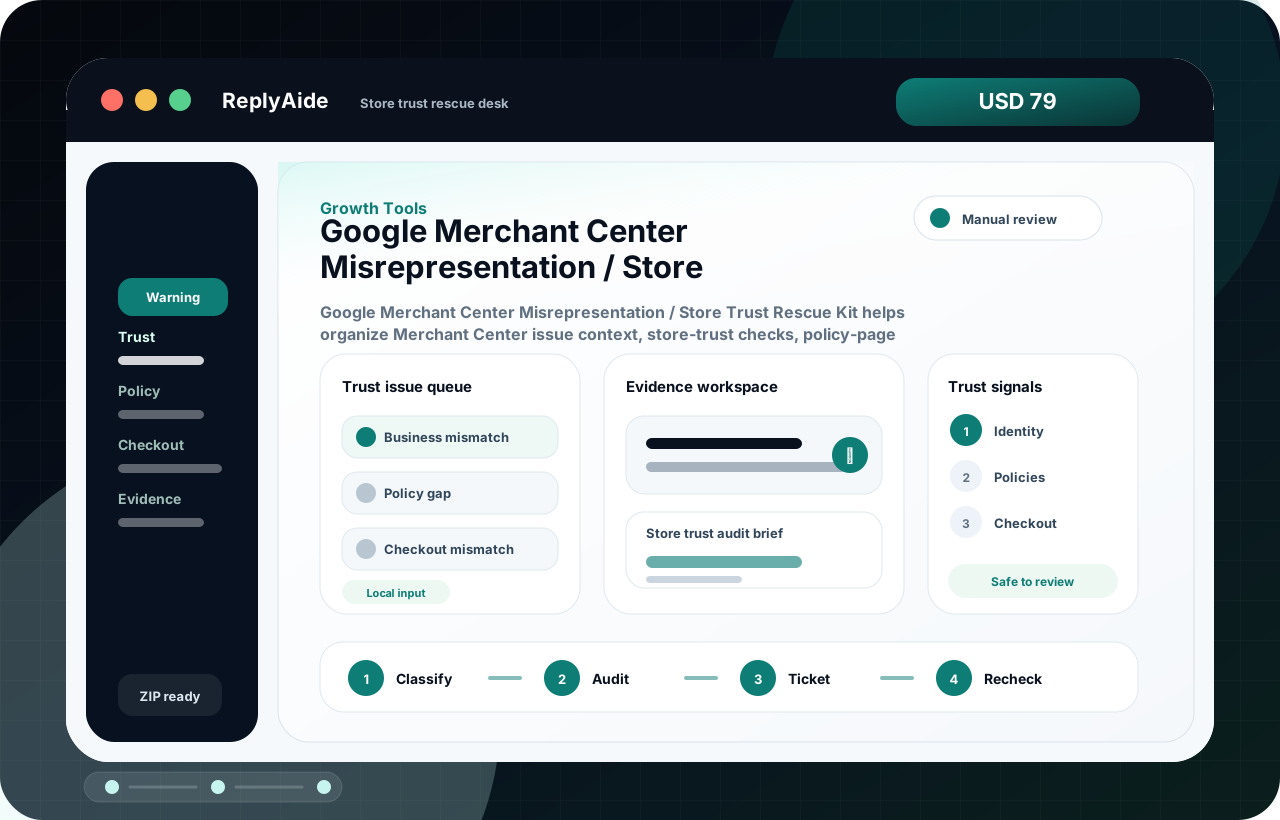
Store trust rescue flow

A safe starting template.

Adapt this to the buyer's business, tools, consent rules, contracts, and platform policies before using it with real customers.

01
Copy the exact non-sensitive warning text and classify whether it is feed data, store trust, policy visibility, claims, checkout, or account-level context.Review manually before external use.
Step
02
Open the public store as a shopper and compare footer, contact page, policy pages, product page, cart, checkout, and Merchant Center-facing values.Review manually before external use.
Step
03
Create one owner ticket per trust gap with page URL, visible issue, required fix, before/after evidence, and escalation note.Review manually before external use.
Step
04
Write a factual review-prep handoff only after public pages and checkout-visible details have been rechecked.Review manually before external use.
Step

Checklist

What to verify before using the workflow.

Confirm business name, support route, domain email, and policy-page contact details do not contradict each other.

Keep this visible before sending, publishing, collecting data, or handing the workflow to another person.

Make shipping, return, refund, privacy, terms, and contact pages reachable from public navigation.

Keep this visible before sending, publishing, collecting data, or handing the workflow to another person.

Check price, availability, promotion, shipping, and checkout values before requesting review.

Keep this visible before sending, publishing, collecting data, or handing the workflow to another person.

Remove unsupported claims, fake urgency, copied policy text, and product promises the store cannot substantiate.

Keep this visible before sending, publishing, collecting data, or handing the workflow to another person.

Keep review language factual and conservative; do not promise approval, listing, ranking, impressions, clicks, sales, or revenue.

Keep this visible before sending, publishing, collecting data, or handing the workflow to another person.

Avoid these mistakes

The page should reduce risk, not just increase clicks.

Requesting review after changing one page while checkout or policy text still contradicts the store.

Fix this before treating the workflow as production-ready.

Treating misrepresentation as only a feed problem when the public store has trust gaps.

Fix this before treating the workflow as production-ready.

Using copied policy pages that mention the wrong business, geography, product type, or support process.

Fix this before treating the workflow as production-ready.

Submitting emotional appeal text instead of a concise evidence packet.

Fix this before treating the workflow as production-ready.