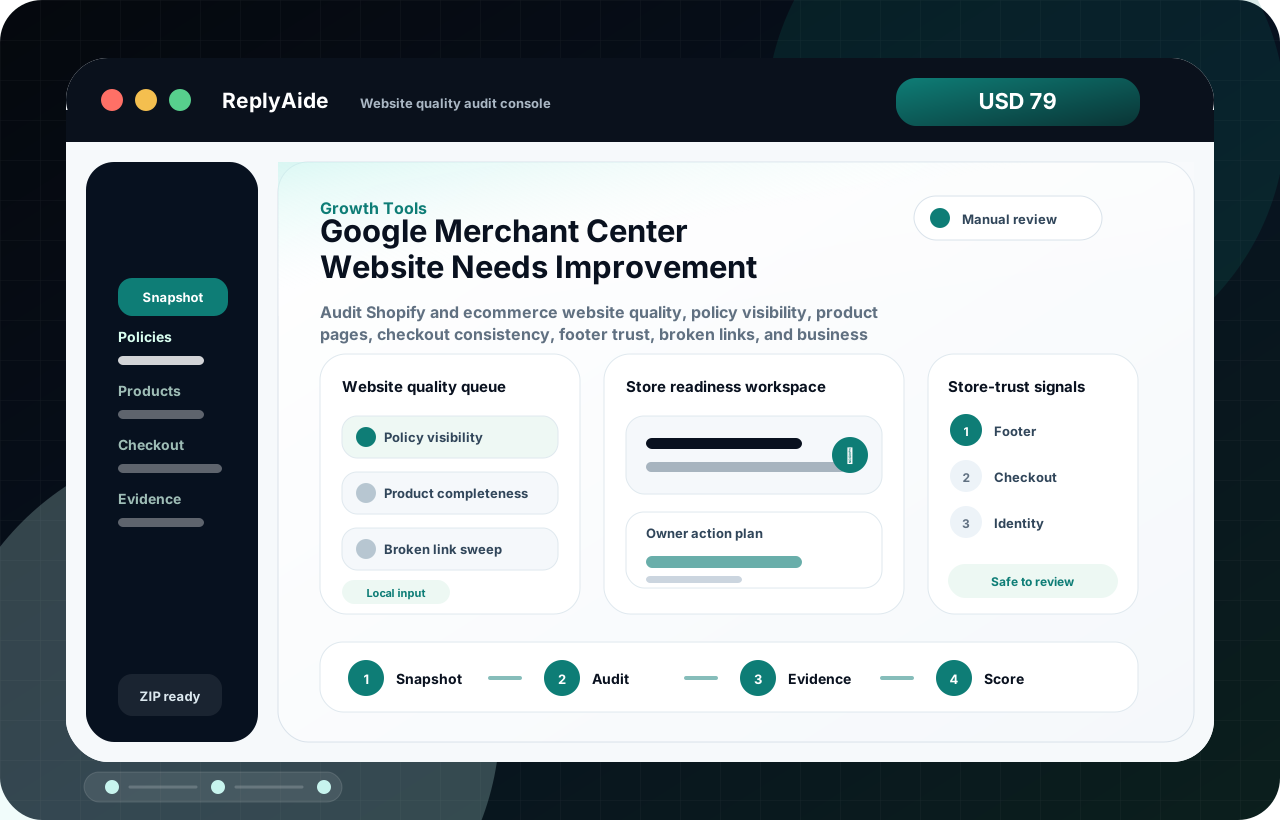
google merchant center website needs improvement

Website needs improvement is a store-trust checklist, not a single button.

A website-needs-improvement issue should be handled like a reviewer walkthrough. The buyer needs to confirm that contact paths, policy pages, account details, landing pages, product information, and checkout-visible values are easy to access and consistent.

Search intent Merchants seeing a website-needs-improvement issue in Merchant Center and trying to identify which visible store trust gaps to fix first.

This page is a practical guide, not a guarantee of leads, revenue, compliance, payment collection, or platform approval.

Practical guide

Use this workflow before choosing another tool.

Merchants seeing a website-needs-improvement issue in Merchant Center and trying to identify which visible store trust gaps to fix first. The useful move is to turn that search into a small operating decision: what gets captured, who reviews it, what copy is safe, and what should stop before it reaches a customer.

A website-needs-improvement issue should be handled like a reviewer walkthrough. The buyer needs to confirm that contact paths, policy pages, account details, landing pages, product information, and checkout-visible values are easy to access and consistent. Treat the template below as a starting point for review, not as final external copy. The buyer still needs to adapt it to their business, product, policy, tools, consent rules, and support boundaries.

  1. 01Open the store in a clean browser and confirm the homepage, product pages, policy pages, contact page, cart, and checkout path load normally.
  2. 02Compare visible contact information with Merchant Center account details and support routes.
  3. 03Check that return, refund, shipping, privacy, terms, and contact pages are linked from public navigation or footer areas.
  4. 04Review product page claims, pricing, availability, images, variants, and checkout values for contradictions.

Website trust improvement flow

A safe starting template.

Adapt this to the buyer's business, tools, consent rules, contracts, and platform policies before using it with real customers.

01
Open the store in a clean browser and confirm the homepage, product pages, policy pages, contact page, cart, and checkout path load normally.Review manually before external use.
Step
02
Compare visible contact information with Merchant Center account details and support routes.Review manually before external use.
Step
03
Check that return, refund, shipping, privacy, terms, and contact pages are linked from public navigation or footer areas.Review manually before external use.
Step
04
Review product page claims, pricing, availability, images, variants, and checkout values for contradictions.Review manually before external use.
Step
05
Create a fix log before requesting another review or changing unrelated feed settings.Review manually before external use.
Step

Checklist

What to verify before using the workflow.

Contact information should be visible enough for a shopper and reviewer to verify the business.

Keep this visible before sending, publishing, collecting data, or handing the workflow to another person.

Policy pages should be specific to the store, product type, geography, and delivery model.

Keep this visible before sending, publishing, collecting data, or handing the workflow to another person.

Product pages and checkout should not show different price, availability, shipping, or promotion details.

Keep this visible before sending, publishing, collecting data, or handing the workflow to another person.

Landing pages should be crawlable and not blocked by broken redirects, login walls, or unstable URLs.

Keep this visible before sending, publishing, collecting data, or handing the workflow to another person.

Use conservative review language and avoid claiming the issue is guaranteed to clear.

Keep this visible before sending, publishing, collecting data, or handing the workflow to another person.

Avoid these mistakes

The page should reduce risk, not just increase clicks.

Adding a contact email but leaving account details, footer links, or checkout values inconsistent.

Fix this before treating the workflow as production-ready.

Copying generic policy text that names the wrong store, location, or product type.

Fix this before treating the workflow as production-ready.

Trying to fix a website trust issue only inside a product feed.

Fix this before treating the workflow as production-ready.

Requesting review before a clean shopper path has been checked on mobile.

Fix this before treating the workflow as production-ready.