Practical guide
Use this workflow before choosing another tool.
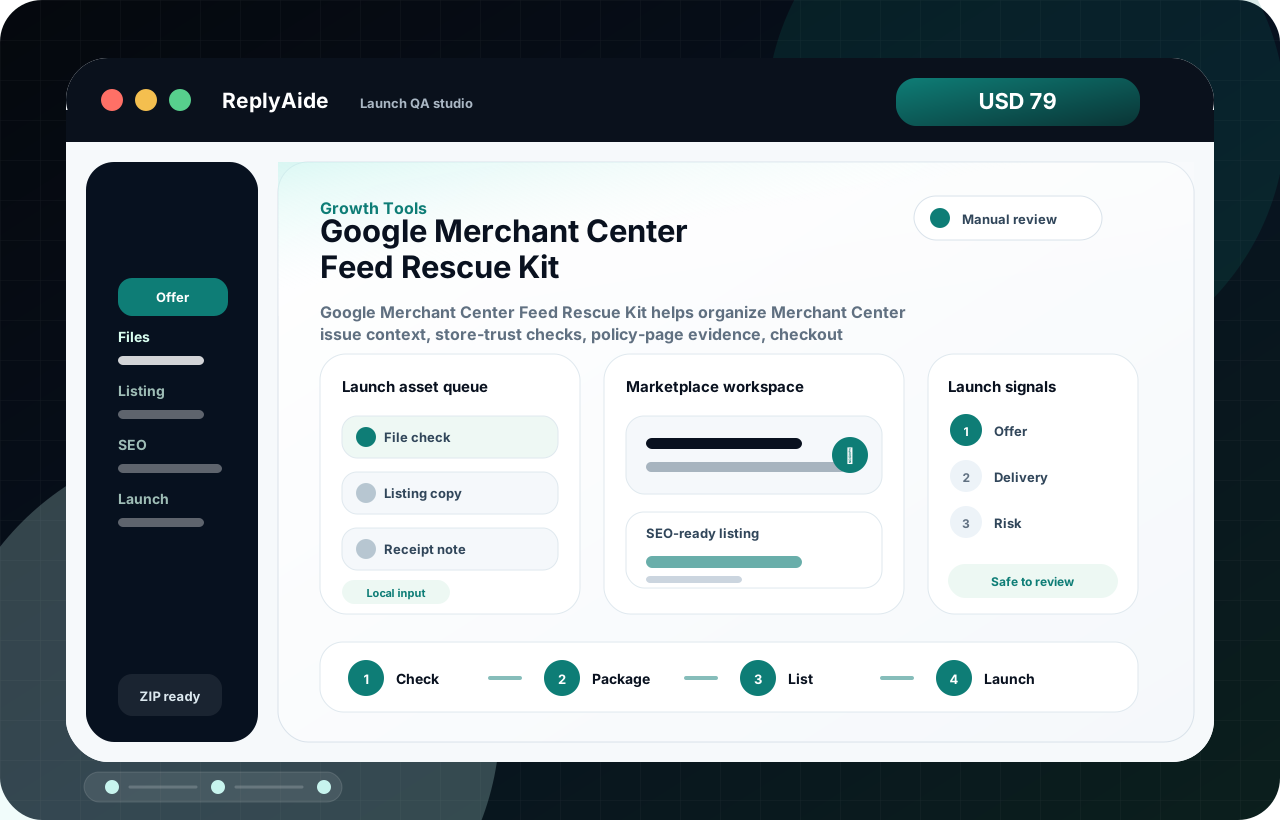
Shopify merchants whose Merchant Center product data source is not fetching, syncing, or showing products before a review or appeal. The useful move is to turn that search into a small operating decision: what gets captured, who reviews it, what copy is safe, and what should stop before it reaches a customer.
When a Shopify Merchant Center feed is not fetching, the account review can happen before Google sees the corrected product and store state. The safer move is to make one source of truth visible, remove duplicate paths, and document the exact feed state before appealing. Treat the template below as a starting point for review, not as final external copy. The buyer still needs to adapt it to their business, product, policy, tools, consent rules, and support boundaries.
- 01Identify the active product data source, source app, feed label, target country, and affected item IDs.
- 02Remove or pause duplicate old feeds only after confirming which source should remain active.
- 03Compare Shopify product status, channel availability, product page visibility, and Merchant Center item status.
- 04Wait for the source to fetch successfully before requesting another account or product review.