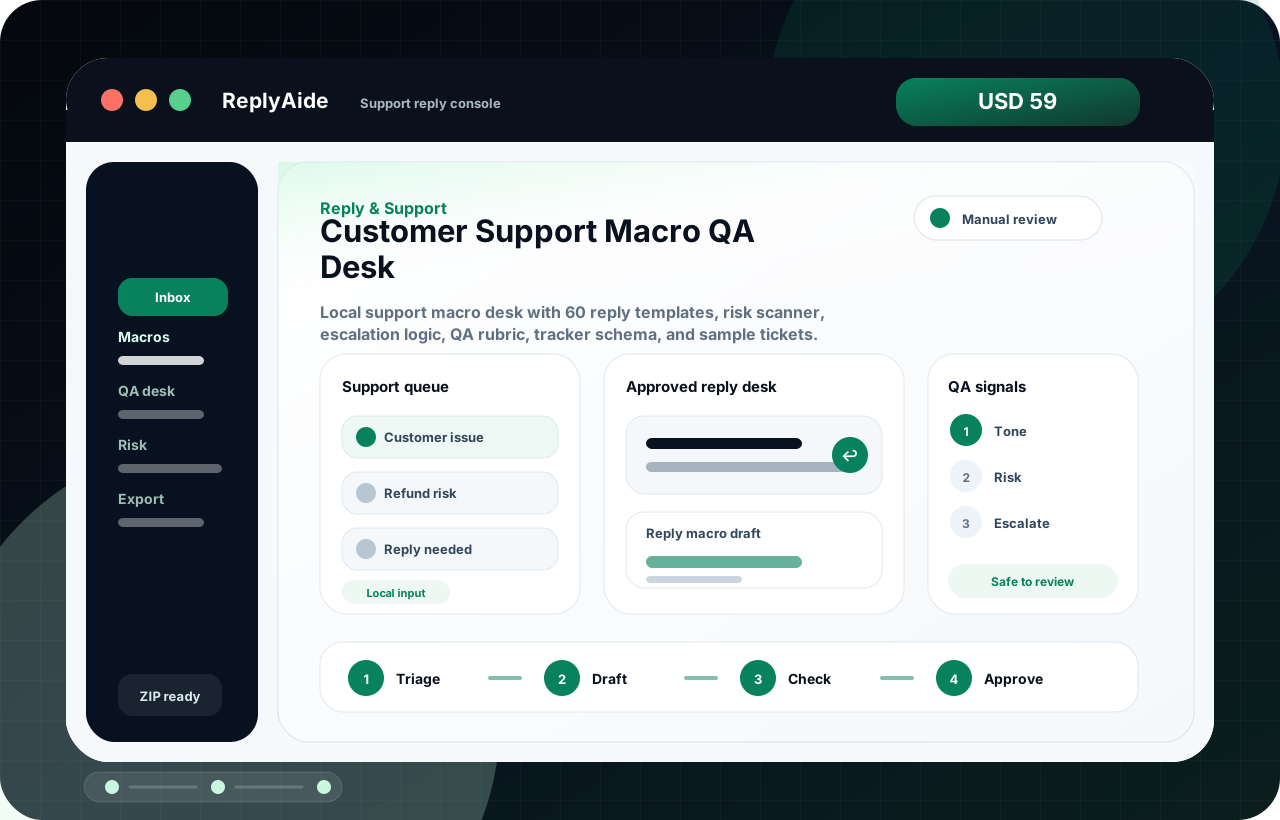
inbox triage template

Stop treating every inbox item like the same priority.

Inbox triage works when every message gets a category, owner, next action, and risk flag before someone drafts a reply. This keeps urgent items from hiding inside routine email.

Search intent Small teams with messy inbound email who need a repeatable way to prioritize and route messages.

This page is a practical guide, not a guarantee of leads, revenue, compliance, payment collection, or platform approval.

Practical guide

Use this workflow before choosing another tool.

Small teams with messy inbound email who need a repeatable way to prioritize and route messages. The useful move is to turn that search into a small operating decision: what gets captured, who reviews it, what copy is safe, and what should stop before it reaches a customer.

Inbox triage works when every message gets a category, owner, next action, and risk flag before someone drafts a reply. This keeps urgent items from hiding inside routine email. Treat the template below as a starting point for review, not as final external copy. The buyer still needs to adapt it to their business, product, policy, tools, consent rules, and support boundaries.

  1. 01Category: sales, support, billing, delivery, complaint, partnership, or spam.
  2. 02Risk: privacy, refund, legal, safety, platform policy, or sensitive account issue.
  3. 03Owner: person or queue responsible for the next action.
  4. 04Next action: reply, escalate, close, request details, or schedule follow-up.
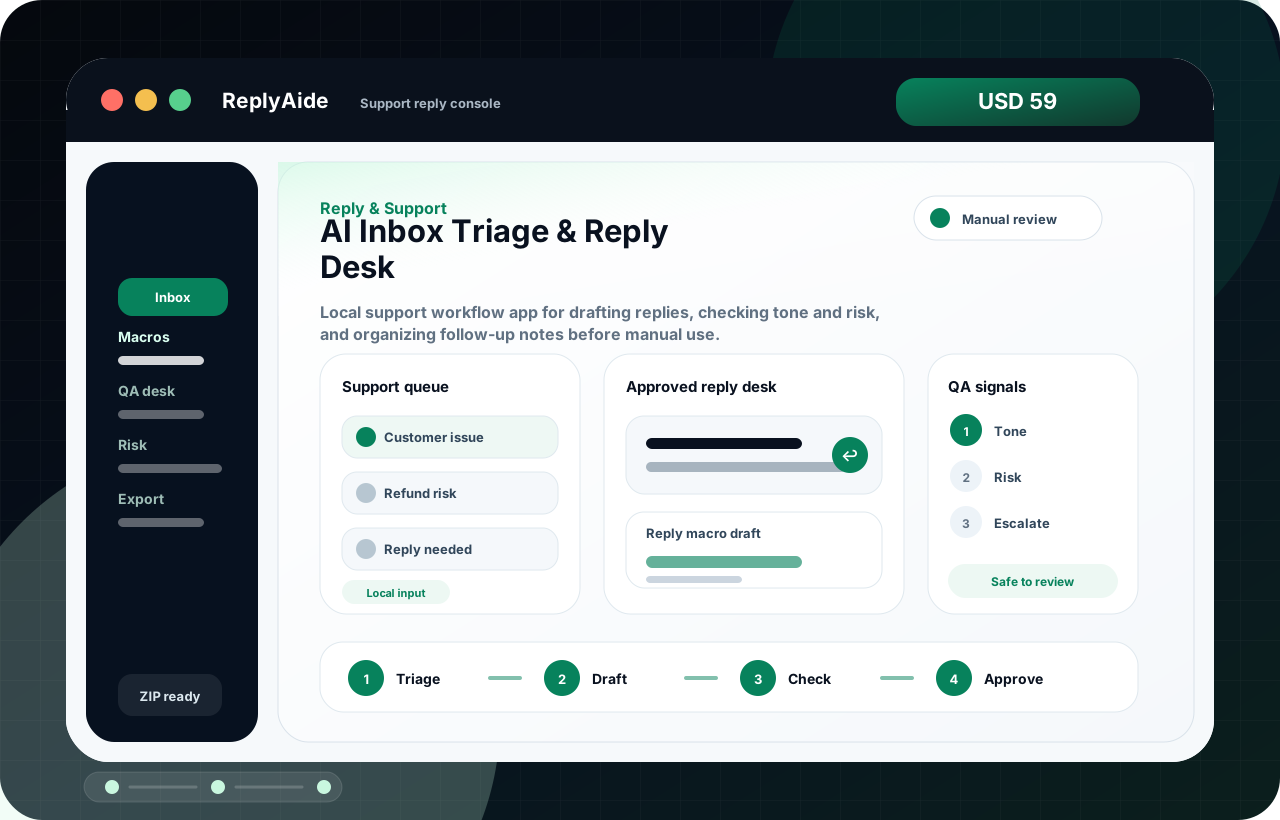
Inbox triage fields

A safe starting template.

Adapt this to the buyer's business, tools, consent rules, contracts, and platform policies before using it with real customers.

01
Category: sales, support, billing, delivery, complaint, partnership, or spam.Review manually before external use.
Step
02
Risk: privacy, refund, legal, safety, platform policy, or sensitive account issue.Review manually before external use.
Step
03
Owner: person or queue responsible for the next action.Review manually before external use.
Step
04
Next action: reply, escalate, close, request details, or schedule follow-up.Review manually before external use.
Step

Checklist

What to verify before using the workflow.

Sort before writing the reply.

Keep this visible before sending, publishing, collecting data, or handing the workflow to another person.

Use a do-not-autoreply label for sensitive messages.

Keep this visible before sending, publishing, collecting data, or handing the workflow to another person.

Track response age and promised follow-up date.

Keep this visible before sending, publishing, collecting data, or handing the workflow to another person.

Save repeatable answers as reviewed macros.

Keep this visible before sending, publishing, collecting data, or handing the workflow to another person.

Review ignored categories weekly.

Keep this visible before sending, publishing, collecting data, or handing the workflow to another person.

Avoid these mistakes

The page should reduce risk, not just increase clicks.

Letting the newest message always win.

Fix this before treating the workflow as production-ready.

Using AI drafts on sensitive issues without review.

Fix this before treating the workflow as production-ready.

Mixing sales and support metrics.

Fix this before treating the workflow as production-ready.

Skipping the owner field.

Fix this before treating the workflow as production-ready.