customer support macro examples

A macro is only useful when the risky cases are blocked.

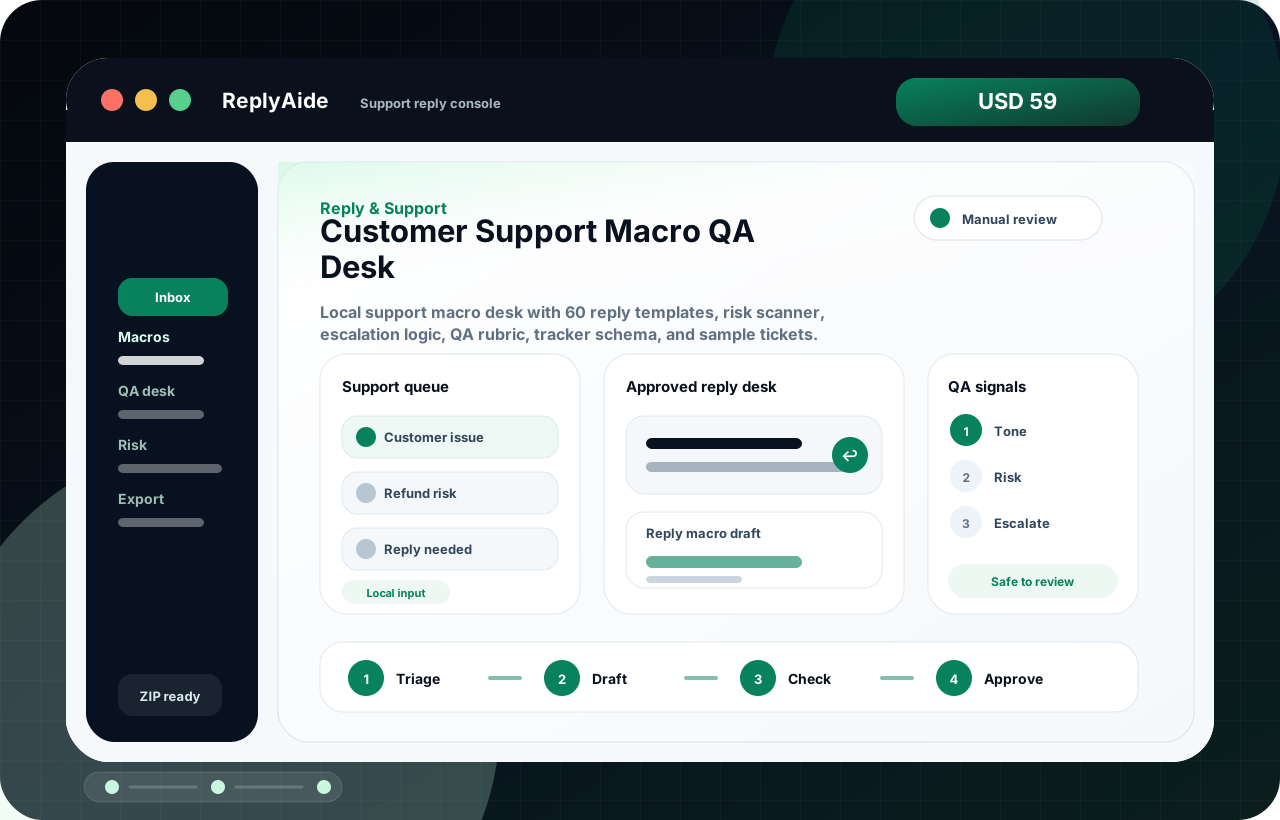
Customer support macro examples should speed up routine replies without flattening every customer issue into the same response. Each macro needs a trigger, a safe version, an escalation rule, and a review note.

Search intent Support teams looking for usable macro examples but needing safer routing, tone, escalation, and do-not-send boundaries.

This page is a practical guide, not a guarantee of leads, revenue, compliance, payment collection, or platform approval.

Practical guide

Use this workflow before choosing another tool.

Support teams looking for usable macro examples but needing safer routing, tone, escalation, and do-not-send boundaries. The useful move is to turn that search into a small operating decision: what gets captured, who reviews it, what copy is safe, and what should stop before it reaches a customer.

Customer support macro examples should speed up routine replies without flattening every customer issue into the same response. Each macro needs a trigger, a safe version, an escalation rule, and a review note. Treat the template below as a starting point for review, not as final external copy. The buyer still needs to adapt it to their business, product, policy, tools, consent rules, and support boundaries.

  1. 01Trigger: define the exact customer issue the macro is allowed to handle.
  2. 02Safe reply: acknowledge the issue, state the next step, and avoid blame or unsupported promises.
  3. 03Escalation rule: identify when billing, legal, privacy, safety, product, or founder review is required.
  4. 04Tracker note: record product, order, issue type, owner, and resolution status.
Macro example structure

A safe starting template.

Adapt this to the buyer's business, tools, consent rules, contracts, and platform policies before using it with real customers.

01
Trigger: define the exact customer issue the macro is allowed to handle.Review manually before external use.
Step
02
Safe reply: acknowledge the issue, state the next step, and avoid blame or unsupported promises.Review manually before external use.
Step
03
Escalation rule: identify when billing, legal, privacy, safety, product, or founder review is required.Review manually before external use.
Step
04
Tracker note: record product, order, issue type, owner, and resolution status.Review manually before external use.
Step
05
Do-not-send language: list phrases that should never be used for that issue.Review manually before external use.
Step

Checklist

What to verify before using the workflow.

Every macro should have a trigger and a blocked-case list.

Keep this visible before sending, publishing, collecting data, or handing the workflow to another person.

Refund, legal, privacy, medical, financial, safety, and chargeback issues need escalation rules.

Keep this visible before sending, publishing, collecting data, or handing the workflow to another person.

Tone should be specific and calm, not robotic or defensive.

Keep this visible before sending, publishing, collecting data, or handing the workflow to another person.

The macro should match the policy and product page the customer saw.

Keep this visible before sending, publishing, collecting data, or handing the workflow to another person.

Review macros after real support cases reveal new failure modes.

Keep this visible before sending, publishing, collecting data, or handing the workflow to another person.

Avoid these mistakes

The page should reduce risk, not just increase clicks.

Using one friendly macro for every complaint.

Fix this before treating the workflow as production-ready.

Letting AI draft final support replies without human review.

Fix this before treating the workflow as production-ready.

Forgetting to update macros when refund, delivery, or license policy changes.

Fix this before treating the workflow as production-ready.

Optimizing for fast response while ignoring risk and resolution quality.

Fix this before treating the workflow as production-ready.