shopify customer support macros

Shopify macros should protect the support team as much as they save time.

Ecommerce support often repeats the same themes: order status, delivery confusion, refund requests, discount questions, product fit, and angry follow-ups. Good macros are short, policy-aware, and routed through escalation rules before the wrong promise reaches a buyer.

Search intent Shopify sellers and ecommerce support teams looking for customer support macro examples that reduce repetitive replies without overpromising.

This page is a practical guide, not a guarantee of leads, revenue, compliance, payment collection, or platform approval.

Practical guide

Use this workflow before choosing another tool.

Shopify sellers and ecommerce support teams looking for customer support macro examples that reduce repetitive replies without overpromising. The useful move is to turn that search into a small operating decision: what gets captured, who reviews it, what copy is safe, and what should stop before it reaches a customer.

Ecommerce support often repeats the same themes: order status, delivery confusion, refund requests, discount questions, product fit, and angry follow-ups. Good macros are short, policy-aware, and routed through escalation rules before the wrong promise reaches a buyer. Treat the template below as a starting point for review, not as final external copy. The buyer still needs to adapt it to their business, product, policy, tools, consent rules, and support boundaries.

  1. 01Delivery status: acknowledge the question and point to the tracking or support path without inventing dates.
  2. 02Refund request: ask for order context and explain review steps without promising approval.
  3. 03Product question: answer from verified product details only.
  4. 04Delay or defect: apologize, collect safe evidence, and route to owner review.
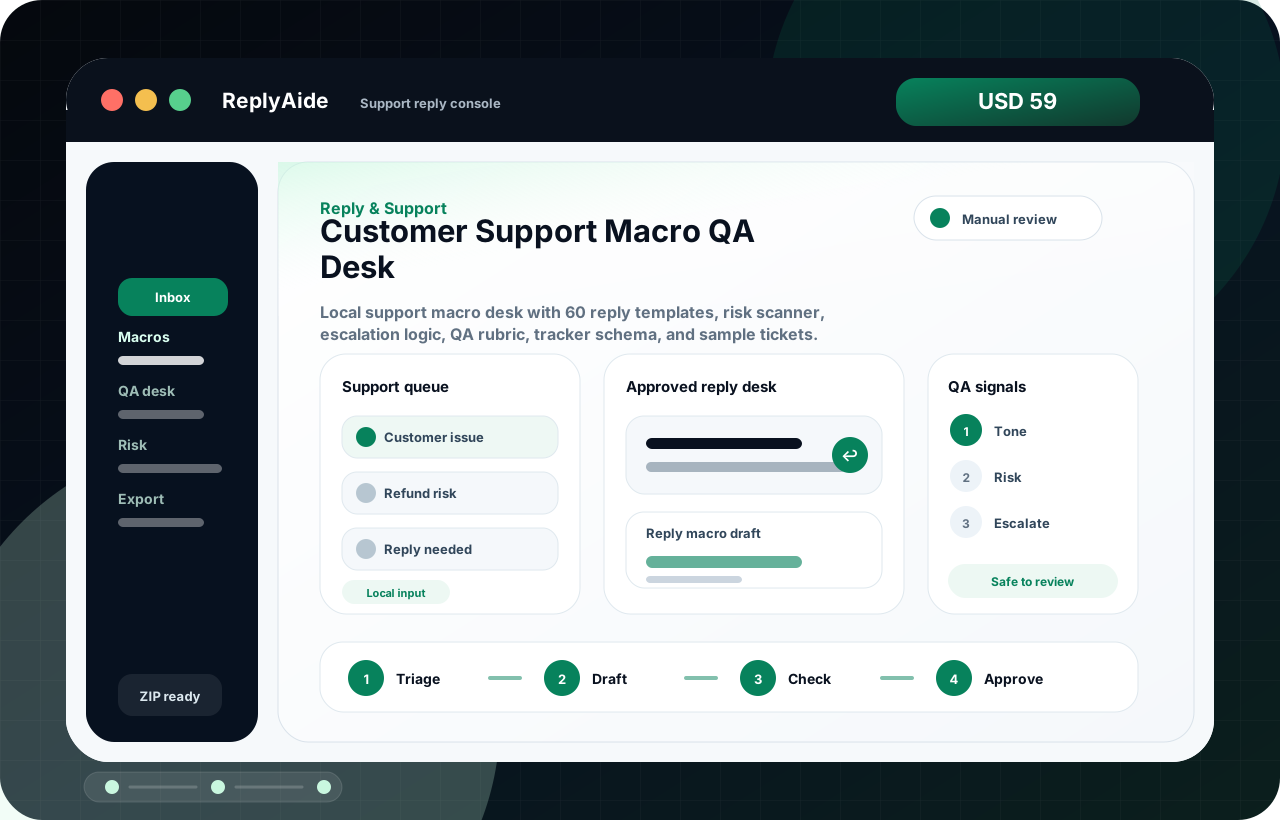
Macro library structure

A safe starting template.

Adapt this to the buyer's business, tools, consent rules, contracts, and platform policies before using it with real customers.

01
Delivery status: acknowledge the question and point to the tracking or support path without inventing dates.Review manually before external use.
Step
02
Refund request: ask for order context and explain review steps without promising approval.Review manually before external use.
Step
03
Product question: answer from verified product details only.Review manually before external use.
Step
04
Delay or defect: apologize, collect safe evidence, and route to owner review.Review manually before external use.
Step
05
Escalation: flag chargeback, legal threat, abusive language, sensitive data, or platform dispute.Review manually before external use.
Step

Checklist

What to verify before using the workflow.

Tie every macro to a current policy, product page, or fulfillment rule.

Keep this visible before sending, publishing, collecting data, or handing the workflow to another person.

Do not allow macros to create new discounts, refunds, or replacement promises by themselves.

Keep this visible before sending, publishing, collecting data, or handing the workflow to another person.

Keep tone calm and specific rather than overly cheerful.

Keep this visible before sending, publishing, collecting data, or handing the workflow to another person.

Update macros when products, shipping rules, delivery files, or policies change.

Keep this visible before sending, publishing, collecting data, or handing the workflow to another person.

Review macro usage monthly for repeated confusion.

Keep this visible before sending, publishing, collecting data, or handing the workflow to another person.

Avoid these mistakes

The page should reduce risk, not just increase clicks.

Using macros that sound helpful but contradict store policy.

Fix this before treating the workflow as production-ready.

Leaving old shipping, refund, or delivery language in saved replies.

Fix this before treating the workflow as production-ready.

Letting support staff paste macros into high-risk cases without escalation.

Fix this before treating the workflow as production-ready.

Treating macros as a substitute for fixing unclear product pages.

Fix this before treating the workflow as production-ready.