refund response template ecommerce

Refund replies should lower tension and clarify the next step.

An ecommerce refund reply should show that the request was understood, the order context will be checked, and the next action is clear. The message should stay aligned with the store policy and avoid legal threats, blame, or unsupported promises.

Search intent Ecommerce sellers and support operators who need a refund response template that is clear, policy-aware, and less likely to escalate the customer.

This page is a practical guide, not a guarantee of leads, revenue, compliance, payment collection, or platform approval.

Practical guide

Use this workflow before choosing another tool.

Ecommerce sellers and support operators who need a refund response template that is clear, policy-aware, and less likely to escalate the customer. The useful move is to turn that search into a small operating decision: what gets captured, who reviews it, what copy is safe, and what should stop before it reaches a customer.

An ecommerce refund reply should show that the request was understood, the order context will be checked, and the next action is clear. The message should stay aligned with the store policy and avoid legal threats, blame, or unsupported promises. Treat the template below as a starting point for review, not as final external copy. The buyer still needs to adapt it to their business, product, policy, tools, consent rules, and support boundaries.

  1. 01Acknowledge the customer's issue and name the product or order context.
  2. 02State what the support team will check: delivery, access, defect, duplicate purchase, policy, or account history.
  3. 03Explain the next step in plain language without promising the outcome before review.
  4. 04Give a support route and expected follow-up owner if more information is needed.
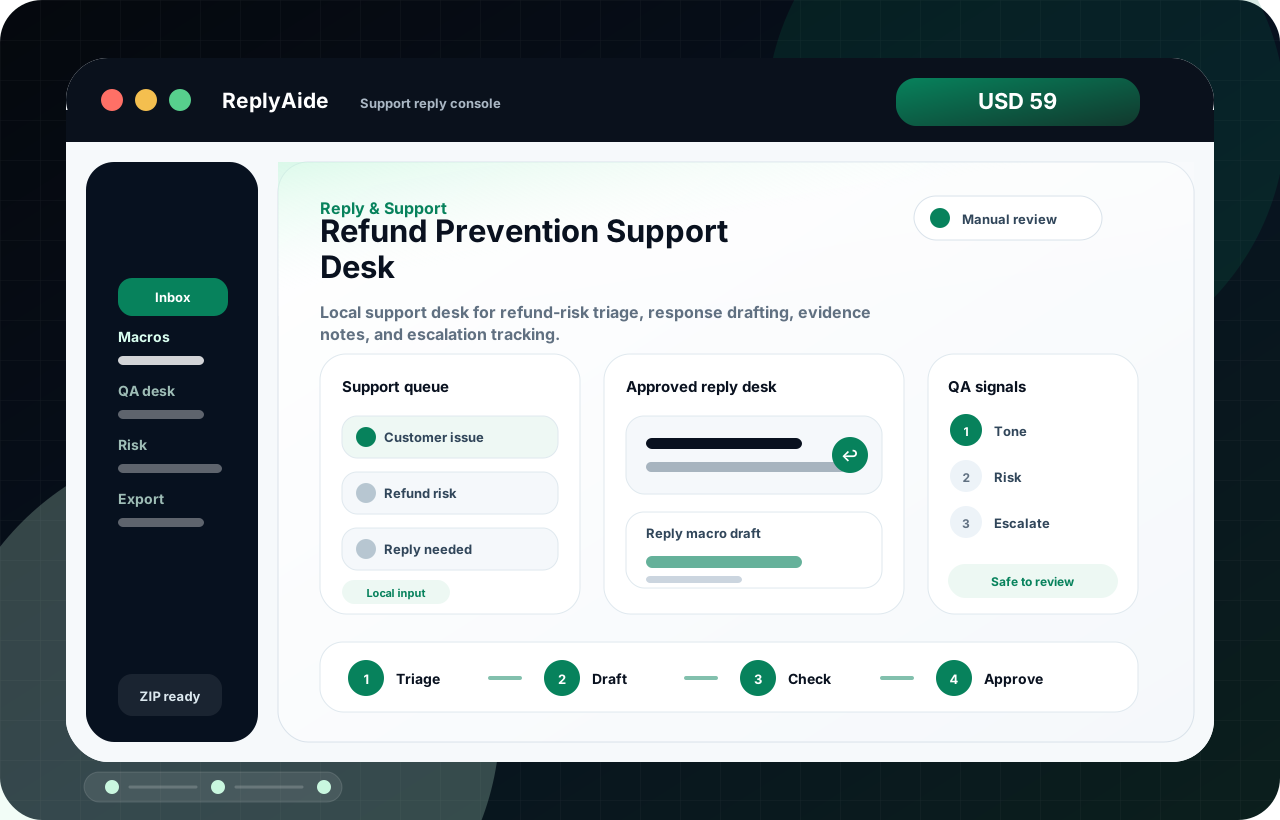
Refund response framework

A safe starting template.

Adapt this to the buyer's business, tools, consent rules, contracts, and platform policies before using it with real customers.

01
Acknowledge the customer's issue and name the product or order context.Review manually before external use.
Step
02
State what the support team will check: delivery, access, defect, duplicate purchase, policy, or account history.Review manually before external use.
Step
03
Explain the next step in plain language without promising the outcome before review.Review manually before external use.
Step
04
Give a support route and expected follow-up owner if more information is needed.Review manually before external use.
Step
05
Log the resolution reason so product, delivery, or listing copy can be improved.Review manually before external use.
Step

Checklist

What to verify before using the workflow.

Read the order, delivery, support, and policy context before replying.

Keep this visible before sending, publishing, collecting data, or handing the workflow to another person.

Use the same refund and delivery language shown before checkout.

Keep this visible before sending, publishing, collecting data, or handing the workflow to another person.

Escalate chargebacks, fraud, legal threats, privacy issues, and abusive messages.

Keep this visible before sending, publishing, collecting data, or handing the workflow to another person.

Separate access problems from product-fit complaints.

Keep this visible before sending, publishing, collecting data, or handing the workflow to another person.

Use refund trends to improve the sales page and delivered files.

Keep this visible before sending, publishing, collecting data, or handing the workflow to another person.

Avoid these mistakes

The page should reduce risk, not just increase clicks.

Arguing with the customer in the first response.

Fix this before treating the workflow as production-ready.

Copying a strict no-refund message when access or delivery may have failed.

Fix this before treating the workflow as production-ready.

Promising a refund before the team checks policy and order state.

Fix this before treating the workflow as production-ready.

Ignoring repeat refund reasons that point to product or listing problems.

Fix this before treating the workflow as production-ready.