freelance CRM template

Track the relationship before the relationship gets expensive.

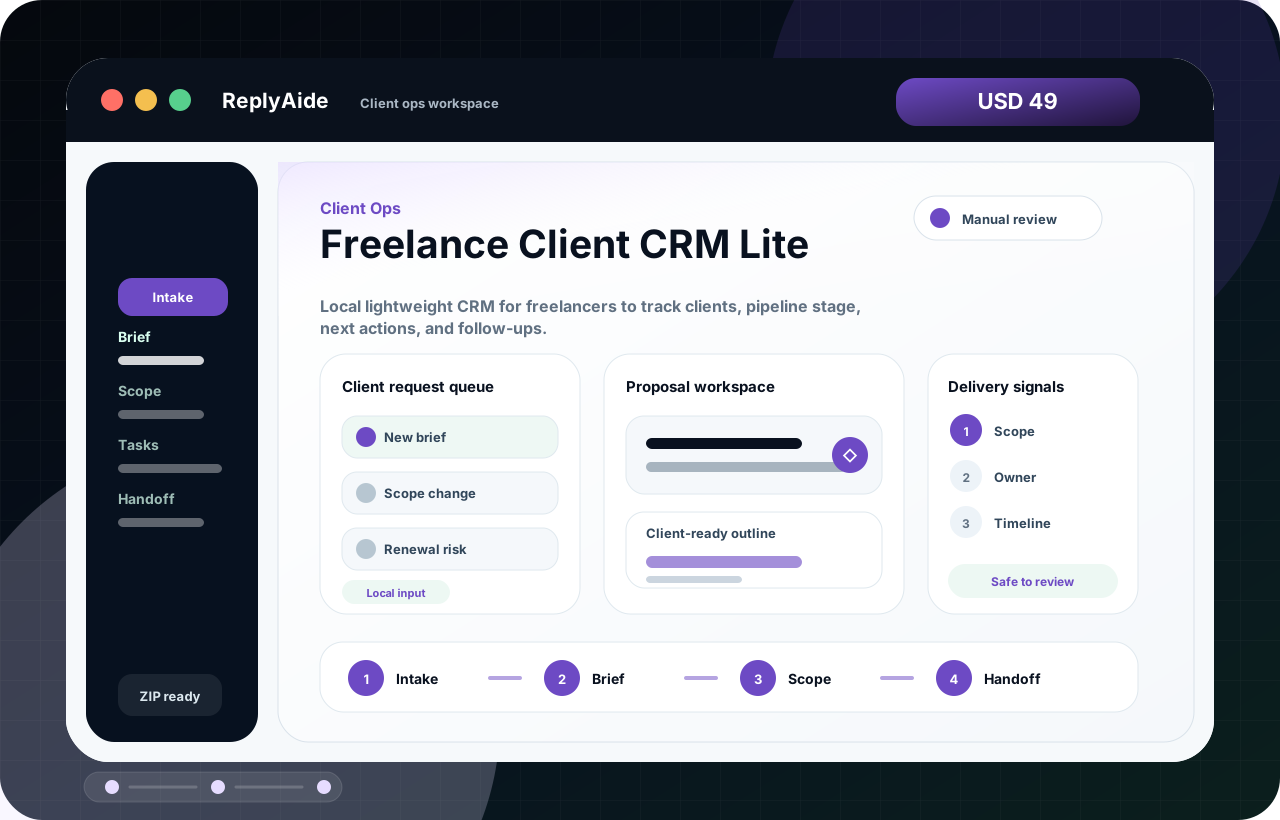
A freelance CRM should help one person remember who to follow up with, what was promised, and where each deal or client relationship stands.

Search intent Freelancers who need a simple client pipeline and do not want a heavy CRM setup.

This page is a practical guide, not a guarantee of leads, revenue, compliance, payment collection, or platform approval.

Freelance CRM fields

A safe starting template.

Adapt this to the buyer's business, tools, consent rules, contracts, and platform policies before using it with real customers.

01
Contact: name, company, role, email, source, and relationship notes.Review manually before external use.
Step
02
Pipeline: inquiry, discovery, proposal, won, active, renewal, paused, or lost.Review manually before external use.
Step
03
Follow-up: next action, due date, owner, and last touch.Review manually before external use.
Step
04
Value: estimated project value, renewal risk, and active scope notes.Review manually before external use.
Step

Checklist

What to verify before using the workflow.

Keep the CRM lightweight enough to update every week.

Keep this visible before sending, publishing, collecting data, or handing the workflow to another person.

Separate leads from active clients.

Keep this visible before sending, publishing, collecting data, or handing the workflow to another person.

Track next action, not just status.

Keep this visible before sending, publishing, collecting data, or handing the workflow to another person.

Review stale deals on a fixed cadence.

Keep this visible before sending, publishing, collecting data, or handing the workflow to another person.

Keep private notes professional and useful.

Keep this visible before sending, publishing, collecting data, or handing the workflow to another person.

Avoid these mistakes

The page should reduce risk, not just increase clicks.

Adding too many fields on day one.

Fix this before treating the workflow as production-ready.

Recording contacts without next actions.

Fix this before treating the workflow as production-ready.

Mixing project tasks and sales follow-up in one unclear view.

Fix this before treating the workflow as production-ready.

Letting the CRM become stale after setup.

Fix this before treating the workflow as production-ready.