digital product delivery checklist

A digital product is not ready until the buyer can open it without help.

Digital product delivery should be tested like a buyer would experience it. The seller needs to confirm checkout, receipt, download, unzip, file names, setup notes, license boundaries, and support copy before sending traffic to the offer.

Search intent Digital product sellers preparing a launch and needing to confirm buyers can actually receive, open, understand, and use the files after purchase.

This page is a practical guide, not a guarantee of leads, revenue, compliance, payment collection, or platform approval.

Practical guide

Use this workflow before choosing another tool.

Digital product sellers preparing a launch and needing to confirm buyers can actually receive, open, understand, and use the files after purchase. The useful move is to turn that search into a small operating decision: what gets captured, who reviews it, what copy is safe, and what should stop before it reaches a customer.

Digital product delivery should be tested like a buyer would experience it. The seller needs to confirm checkout, receipt, download, unzip, file names, setup notes, license boundaries, and support copy before sending traffic to the offer. Treat the template below as a starting point for review, not as final external copy. The buyer still needs to adapt it to their business, product, policy, tools, consent rules, and support boundaries.

  1. 01Run a clean checkout-path review from product page to payment handoff and post-purchase instructions.
  2. 02Open the latest ZIP, confirm file names are readable, and check that the start file or setup note is obvious.
  3. 03Verify preview images, listing copy, receipt copy, and delivered files describe the same product.
  4. 04Check support boundaries, refund policy, license notes, and anti-resale language before publishing.
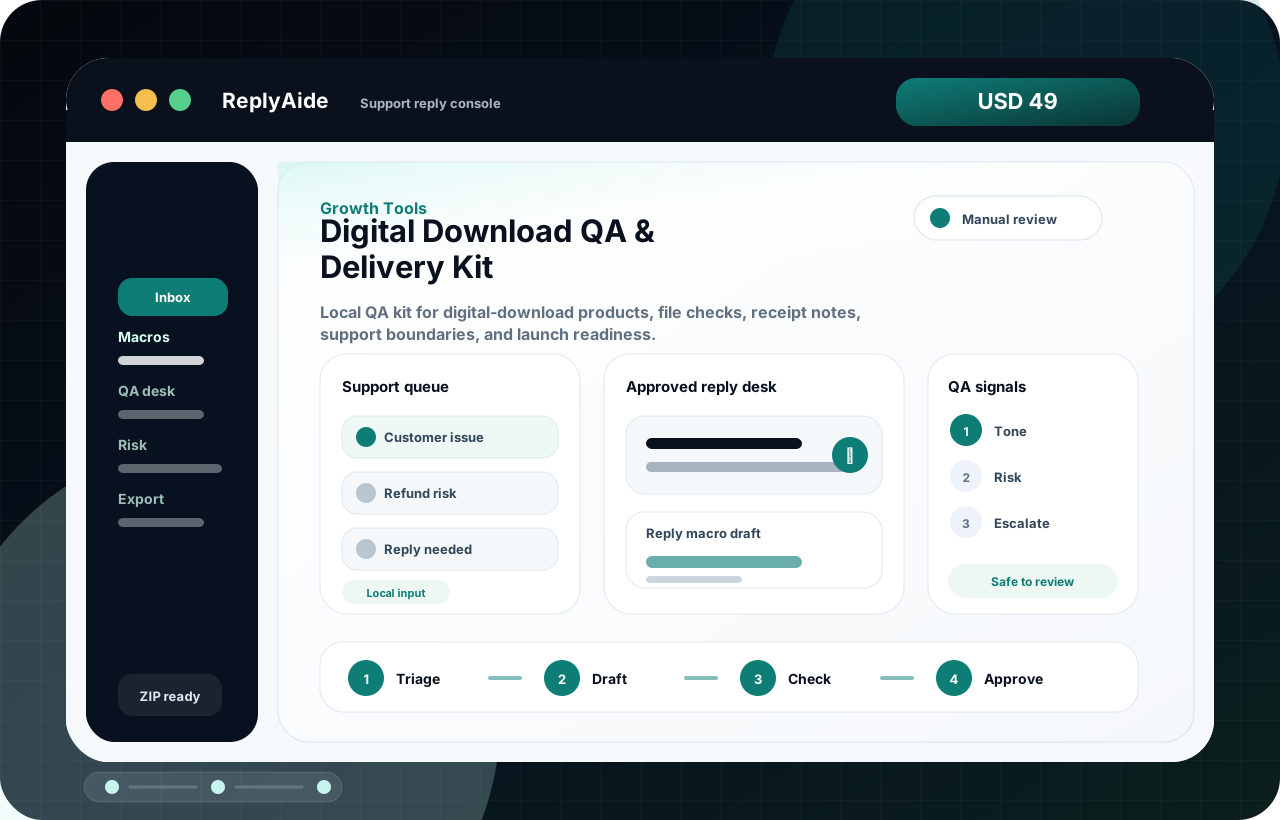

Digital delivery QA path

A safe starting template.

Adapt this to the buyer's business, tools, consent rules, contracts, and platform policies before using it with real customers.

01
Run a clean checkout-path review from product page to payment handoff and post-purchase instructions.Review manually before external use.
Step
02
Open the latest ZIP, confirm file names are readable, and check that the start file or setup note is obvious.Review manually before external use.
Step
03
Verify preview images, listing copy, receipt copy, and delivered files describe the same product.Review manually before external use.
Step
04
Check support boundaries, refund policy, license notes, and anti-resale language before publishing.Review manually before external use.
Step
05
Record the final file version, checkout URL, product URL, and buyer-facing support route.Review manually before external use.
Step

Checklist

What to verify before using the workflow.

The first file a buyer sees should explain what to open next.

Keep this visible before sending, publishing, collecting data, or handing the workflow to another person.

No secret keys, session files, drafts, private notes, or local-only paths should ship inside the ZIP.

Keep this visible before sending, publishing, collecting data, or handing the workflow to another person.

The sales page should not promise automation, revenue, rankings, reviews, or platform approval.

Keep this visible before sending, publishing, collecting data, or handing the workflow to another person.

Mobile shoppers should understand what they are buying before checkout.

Keep this visible before sending, publishing, collecting data, or handing the workflow to another person.

Support and refund routes should be visible before the buyer gets frustrated.

Keep this visible before sending, publishing, collecting data, or handing the workflow to another person.

Avoid these mistakes

The page should reduce risk, not just increase clicks.

Publishing the sales page before testing the actual download.

Fix this before treating the workflow as production-ready.

Shipping a ZIP that opens to confusing file names and no start path.

Fix this before treating the workflow as production-ready.

Using screenshots that do not match the delivered files.

Fix this before treating the workflow as production-ready.

Hiding limitations until after checkout.

Fix this before treating the workflow as production-ready.